Key Takeaways
- Online forms offer significant workflow and efficiency gains but require careful attention to security and compliance in 2026.
- Focusing on robust features and avoiding common mistakes helps protect client data, streamline onboarding, and meet regulatory demands.
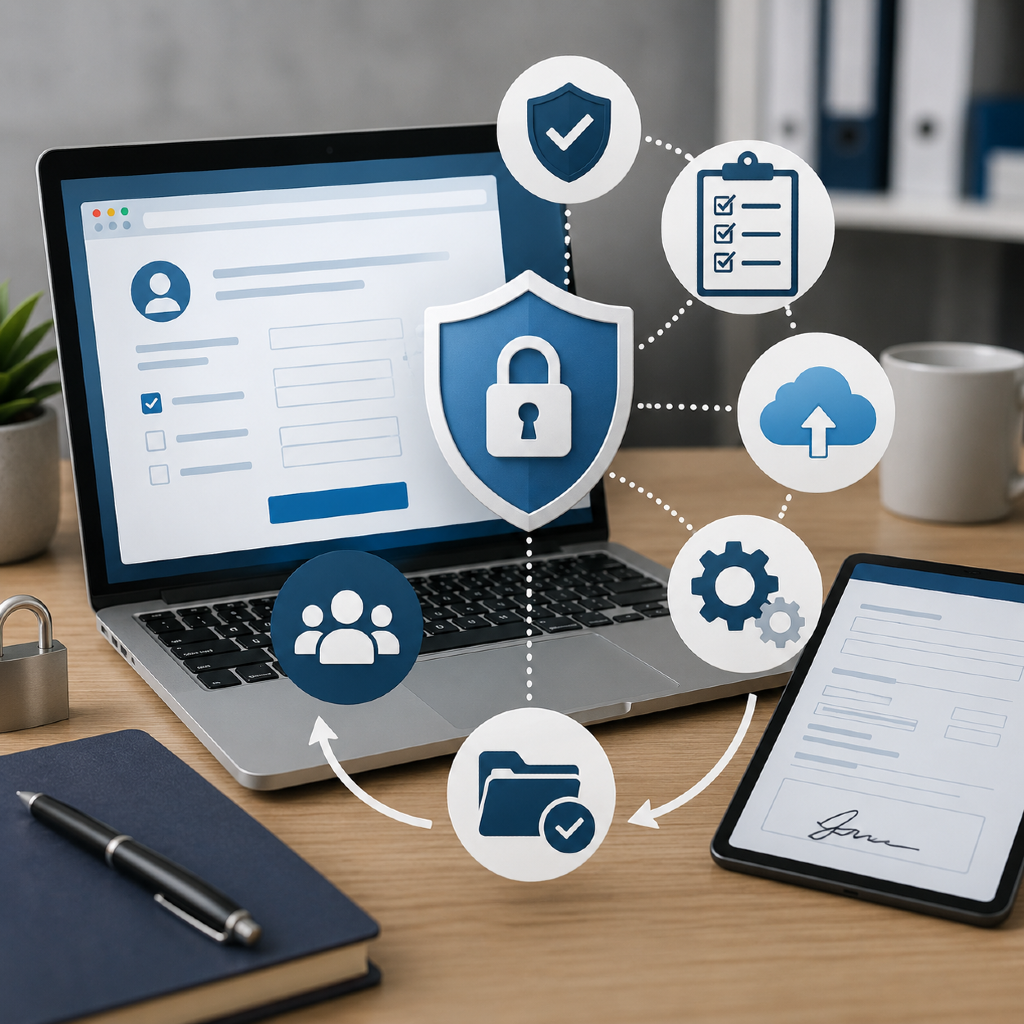
Did you know many independent financial professionals say online forms have boosted their efficiency — but in 2026, security and compliance are cited as top concerns? If you’re considering digital forms, this Q&A covers what you need to know to work smarter while protecting client data and your practice.
What Are Online Forms for Insurance?
Digital forms vs. paper forms
Traditionally, insurance professionals relied on paper applications, wet signatures, and physical storage. Online forms have replaced much of this, providing digital interfaces for data entry, automated document routing, and electronic signatures. Digital forms reduce paperwork, cut manual errors, and support remote, mobile-first business models—crucial in today’s hybrid work environments.
Typical use cases in insurance
In the insurance sector, online forms are used for diverse tasks. You might rely on digital forms for new client onboarding, gathering confidential health or financial disclosures, capturing policy updates, or submitting claims. E-signature workflows enable fast approvals, and smart forms can help pre-fill client data, reducing follow-up for missing information and expediting service.
How Secure Are Digital Insurance Forms?
Encryption and data protection
You’re responsible for safeguarding sensitive client data—making robust security essential. Leading online form platforms use advanced encryption, such as TLS and AES, to protect information in transit and at rest. This means that client responses and personal identifying information are scrambled into unreadable code, keeping hackers at bay and ensuring data privacy from the moment your client clicks “submit.”
User authentication best practices
Multi-factor authentication (MFA) is now standard for professionals accessing digital platforms. When you use MFA—requiring a password plus a one-time code sent to your device—you greatly reduce the chances of unauthorized access to form data. For added security, platforms should offer granular user permissions, allowing you to control who can view, edit, or export sensitive submissions.
Common security risks explained
The most frequent security vulnerabilities include weak passwords, unsecured public Wi-Fi, and poor device hygiene. Phishing attacks remain a leading threat. You’ll want to ensure staff are trained to spot suspicious emails and that your form provider regularly updates its security protocols. Be sure to log out after use, install updates promptly, and work only on secure, trusted networks.
Are Online Forms Compliance-Friendly?
Regulatory considerations in 2026
Industry regulations have evolved. In 2026, data privacy laws (such as state-level privacy acts and updated federal standards) require insurance professionals to obtain clear client consent, maintain records, and promptly address data access requests. Forms must track how information is collected and stored, with automatic time stamps and audit logs for regulatory review.
Common compliance pitfalls
One common pitfall is failing to set up forms that reflect your client’s explicit consent to share or store information. Another is neglecting to use compliant e-signature workflows—which must meet both federal and state requirements (such as ESIGN and UETA). Not updating forms in line with regulatory changes can result in audit exposure or penalties.
Ensuring data privacy and consent
To stay protected, always include clear language on data privacy within your online forms. This includes outlining how data is used and stored, and collecting explicit opt-ins from clients. Ensure your platform allows for secure consent capture and can produce detailed records showing proof of consent in the event of a compliance review.
How Can Online Forms Improve Workflow?
Reducing manual paperwork
Shifting to online forms can save hours each week—no more printing, scanning, or filing. You can automate repetitive tasks like sending appointment confirmations or gathering supporting documentation. Auto-filled fields cut down manual re-entry and reduce mistakes.
Streamlining client onboarding
Digital forms enable you to onboard clients remotely, speeding up cycle times. With conditional logic, you can personalize forms based on client responses. This allows you to ask the right questions and skip irrelevant fields, improving the client experience and reducing friction.
Integrating forms with other tools
Modern digital forms often connect directly with CRM, document management, or workflow automation platforms. This integration ensures submitted data flows seamlessly to your other systems, making follow-ups and reporting more efficient. If your business uses marketing automation or case design support systems, integration eliminates duplicate entry and creates a smoother end-to-end process.
What Features Should Professionals Look For?
Automation capabilities
Look for platforms offering rules-based automation: auto-responses, task assignments, and follow-up reminders triggered by form submissions. These features help you provide fast, accurate service without constant manual intervention.
Customization options
No two practices are alike—choose online forms that allow for easy customization. Custom branding, field logic, and dynamic question paths help you tailor forms for different product lines or client segments. This flexibility reinforces your professional image and ensures you collect all required data the first time.
Audit trails and recordkeeping
Audit trails are essential for compliance: they provide date- and time-stamped records of every submission, edit, and approval. Look for solutions that offer robust reporting and simple export tools for quick responses during audits or client requests.
Which Mistakes to Avoid When Using Online Forms?
Overlooking accessibility requirements
You’re required to offer forms that are accessible to people of all abilities. Overlooking font size, color contrast, or screen reader compatibility can expose your practice to risk (and leave clients frustrated). Ensure your platform meets current WCAG guidelines for digital accessibility.
Mismanaging client data
Don’t store sensitive submissions in unsecured locations or forward them by email. Use password-protected portals or secure document storage whenever possible. Regularly audit your own data access to catch unintentional exposures—and work with vendors that prioritize transparent data handling.
Ignoring usability for clients
Complex or lengthy forms can discourage clients from completing key tasks. Use clear instructions, break lengthy forms into sections, and limit required fields to what’s truly necessary. Always test forms yourself so you can address bottlenecks before rolling out to clients.