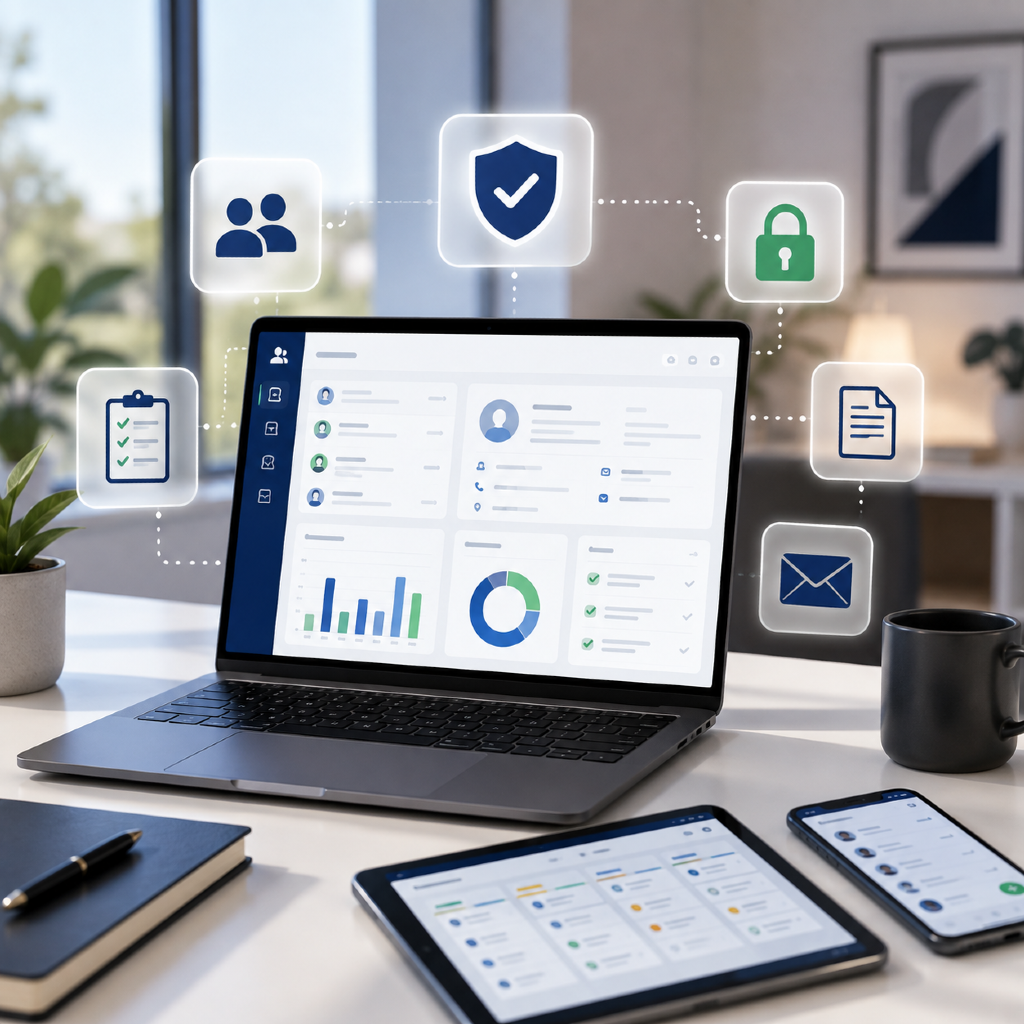
Key Takeaways
- A compliance friendly CRM is essential for secure client data management and efficient IMO operations.
- Prioritizing documented compliance workflows and audit-ready features boosts regulatory adherence and client trust.
Did you know that many compliance lapses in IMOs stem from outdated client management tools? As regulatory expectations rise and client bases expand, independent financial professionals face new challenges. In 2026, selecting the right compliance friendly CRM can be the vital link between growth, security, and peace of mind.
What Is a Compliance Friendly CRM?
Core functions of a CRM
A Customer Relationship Management (CRM) system is designed to help you organize, monitor, and nurture interactions with clients and prospects. For IMOs and independent financial professionals, this means tracking everything from initial outreach to ongoing policy management, appointment reminders, and marketing campaigns. At its core, a CRM streamlines your daily operations—keeping contacts, meeting notes, and essential documentation in one secure, centralized location.
Why compliance matters for IMOs
Compliance means adhering to evolving legal and regulatory requirements designed to protect client information and ensure ethical business practices. For IMOs, these rules are not just about industry reputation—they often dictate how long records are stored, how communications are logged, and the ways you interact with prospects. Lapses or oversights can expose your firm to audits, penalties, or reputational loss. That’s why a CRM with compliance at its core isn’t just helpful—it’s essential for sustainable business.
Why Independent Financial Professionals Need CRM Tools
Managing client data securely
Handling sensitive financial information is a non-negotiable aspect of the advisory profession. With cyber threats on the rise in 2026, securely storing client records and communications must be a top priority. A compliance friendly CRM implements encryption, monitors access, and ensures that only those with proper authorization see confidential data. This significantly reduces your risk of accidental exposure or unauthorized access—and ensures you remain within regulatory bounds.
Supporting case design and growth
Beyond compliance, the right CRM provides vital support for business building. Robust CRM tools help you design cases with organized client data, track application statuses, and streamline follow-ups. By automating reminders and creating customized workflows, you can spend less time on administration and more time helping clients and growing your practice.
Key Features Advisors Should Prioritize
Documented compliance workflows
Look for CRM systems that allow you to build or use customizable workflow templates aligned with current regulations. These tools guide you step-by-step through each client interaction, from lead intake to policy delivery, while preserving documentation for audits. In 2026, modern CRMs will often offer visual workflow editors, making it easy to update processes as compliance rules evolve.
Client communication logging
Transparent client communications are at the heart of trust and compliance. Your CRM should automatically log calls, emails, and meeting summaries, associating them with the right client record. This provides an audit-ready trail of interactions—a must-have in the eyes of regulators and a powerful asset when reviewing client histories or resolving misunderstandings.
Integrated marketing resources
Efficiently growing your independent practice relies on consistent, trackable outreach. Seek CRMs that feature integrated marketing tools—such as secure email campaigns, content libraries with compliance approval steps, and lead nurturing workflows. These features help you maintain a steady pipeline while reducing the risk of non-compliant messaging.
How Do CRMs Support IMO Compliance?
Audit trails and record keeping
A key compliance requirement for IMOs is thorough record retention. A quality CRM automatically creates time-stamped audit trails for every client interaction and document change. This ensures you can demonstrate compliance if you’re ever audited. Built-in archiving means you won’t have to worry about lost files or incomplete logs—even years after a client event.
Role-based access controls
Not every team member needs the same level of data access. Modern CRMs allow you to define user roles—ensuring that everyone sees only what’s necessary for their responsibilities. This protects sensitive information, supports internal accountability, and meets regulatory standards about data minimization.
Automated documentation processes
Manual paperwork invites errors and delays. Automated documentation tools within CRMs can generate pre-filled disclosure forms, consent authorizations, and client summaries with a few clicks. This reduces administrative burden, standardizes processes, and makes sure nothing is missed. These features also enable efficient onboarding and speedier compliance checks.
How to Choose the Right CRM in 2026
Evaluating integration options
Your CRM should seamlessly integrate with the other systems you rely on—whether it’s financial planning software, e-signature platforms, or marketing resources. Prioritize solutions that support robust APIs or come with ready-built integrations relevant to the IMO and independent financial landscape. This ensures smoother data flow, less manual entry, and fewer chances for errors.
User training and support availability
Even the best CRM is only effective if you and your team know how to use it confidently. Look for vendors that offer comprehensive onboarding, training resources, and responsive support channels. In-person webinars, knowledge bases, and ongoing updates are indicators of a partner invested in your success—not just a software provider.
Common CRM Mistakes to Avoid
Overlooking compliance features
Don’t compromise by choosing a CRM solely for its general business features. If compliance checklists, document storage, and workflow logging are missing or difficult to use, you’re leaving your business exposed. Make these features a non-negotiable part of your selection process.
Not updating security protocols
With regulatory shifts and cyber risks evolving rapidly, you cannot afford to ignore CRM updates. Regularly audit your CRM’s security settings, enable new compliance-oriented features, and stay current with both system and regulatory updates. An outdated CRM becomes a liability instead of an asset.