Key Takeaways
- Automated appointment reminders can significantly reduce client no-shows and optimize staff time.
- Successful implementation involves technology integration, workflow customization, compliance, and continuous measurement.
Many clients report missing financial appointments due to forgetfulness. Harnessing appointment reminders automation can help you reclaim lost revenue, deepen loyalty, and add valuable efficiency in your financial practice.
What Is Appointment Reminders Automation?
Defining reminders automation
Appointment reminders automation refers to using digital tools to schedule and send messages—such as texts, emails, or phone calls—to clients ahead of meetings. Instead of manually tracking appointments and issuing reminders, you automate this task, enabling consistent, timely outreach without extra administrative strain.
Key features for financial professionals
For independent financial professionals, effective reminders automation includes integration with your client databases, secure communication channels, and support for multiple messaging formats. Look for features like personalized templates, two-way communication (letting clients confirm or reschedule), and logging reminders for compliance records.
Why Is Automated Reminding Beneficial?
Reducing client no-shows
Missed appointments disrupt your workflow and lead to lost opportunities. Automated reminders consistently nudge clients so fewer meetings are overlooked, which directly impacts your bottom line and ensures clients stay engaged in their financial plans.
Saving staff time
Manual reminders can be time-consuming and error-prone, especially as your client base grows. Automation frees up valuable staff hours by eliminating repetitive tasks, allowing your team to focus on consultation, outreach, and higher-level client service.
How Does Automation Work for Advisors?
Integration with practice management tools
Modern reminders systems often connect directly to popular practice management software or CRMs, syncing with your existing appointments calendar. This ensures reminders go out automatically based on scheduled events, keeping all client information organized and up to date.
Customizing reminder workflows
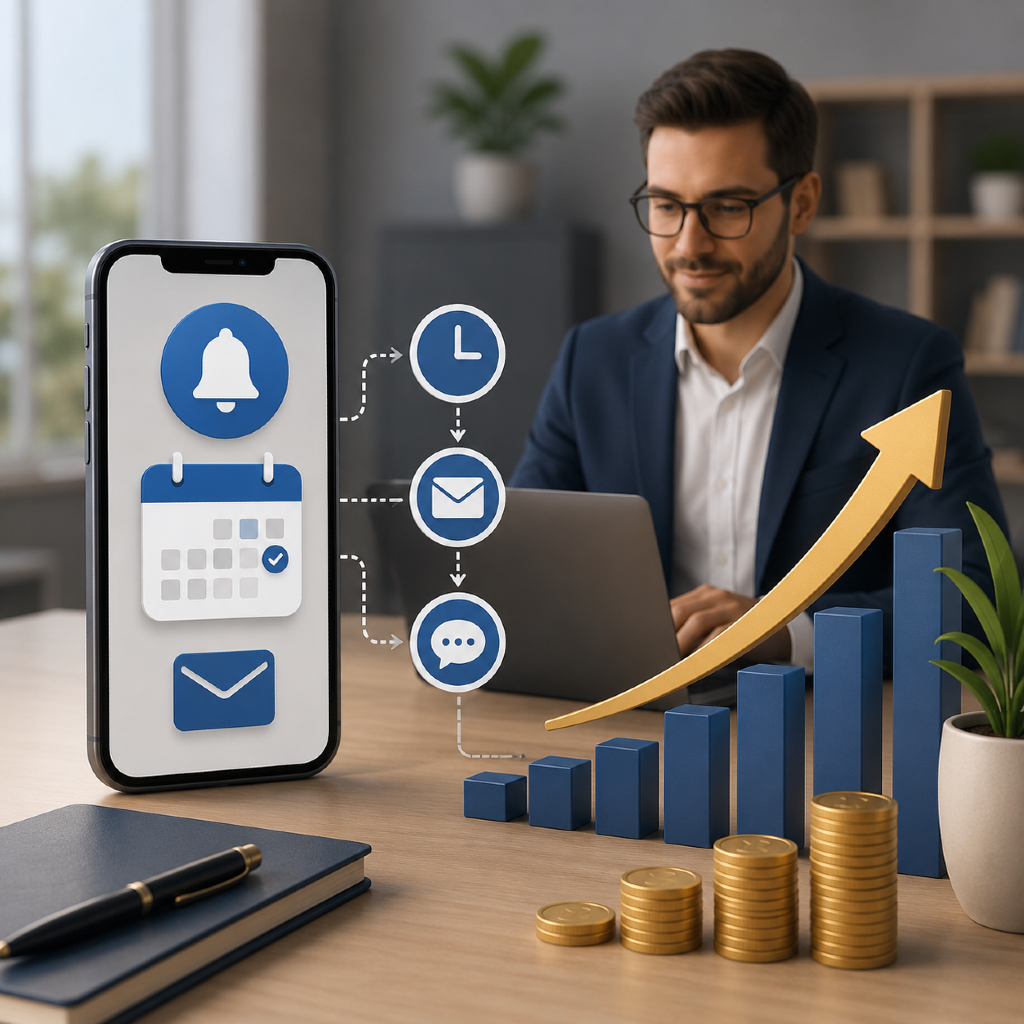
You have control over the cadence and content of reminders—choosing, for example, to send a message one week and again 24 hours before each meeting. Automation tools allow you to tailor messages by appointment type or client preference, making your communications both efficient and personable.
What You’ll Need for Implementation
Essential technology and software
At minimum, you’ll need a secure, cloud-based reminders automation platform capable of integrating with your current systems. Look for solutions that handle multi-channel messaging, provide analytics, and support customization at scale. Mobile access and ease of use are also essential for independent professionals.
Compliance and security considerations
Because you’re working with sensitive client data, ensure any platform meets industry security standards, such as encryption and audit trails. Choose a provider familiar with financial industry regulations and verify their approach to consent management and secure client communications to maintain compliance at all times.
Step 1: Assess Your Current Process
Identify pain points
Begin by analyzing where missed appointments most frequently occur—are certain appointment types problematic, or do no-shows correlate with particular times of year? Involve your team to uncover workflow bottlenecks, technology limitations, or communication gaps that automation could address.
Set measurable goals
Establish clear objectives before rolling out automation. Goals could include reducing your no-show rate by a certain percentage or reclaiming a specific number of hours per week in staff time. Define metrics to track success so you can demonstrate ROI and refine your process over time.
Step 2: Select an Automation Platform
Evaluating popular options
Evaluate reminders automation tools based on integration capabilities, security features, user interface, and customer support. Many platforms offer free trials or demos—take advantage of these to test compatibility with your financial practice’s workflow.
Factors for independent financial professionals
Consider factors like cost structure, scalability, ease of customization, and vendor reputation in the financial services space. For smaller or independent practices, prioritize solutions that are intuitive and require minimal IT support, ensuring you can adapt quickly as your business grows.
Step 3: Customize Messaging and Timing
Personalization strategies for clients
Personalization sets your reminders apart. Use your client’s preferred name, reference the specific purpose of the meeting, and offer an easy way to confirm or request changes. Platforms that allow message templates can make consistent personalization quick and reliable.
Frequency and scheduling best practices
Don’t overwhelm clients—typically, two reminders per appointment (one a week out, one a day or two prior) strike the right balance. Automate sending based on each client’s preferences (email, text, or phone) to maximize reach and minimize frustration.
Step 4: Train Your Team
Onboarding staff effectively
Success relies on team buy-in. Host training sessions to familiarize everyone with the new platform, emphasizing how automation reduces workload and improves the client experience. Provide ongoing resources and document procedures so staff can quickly reference key functions.
Monitoring adoption rates
Track who is utilizing the automation tool and where gaps exist. Collect feedback from your team on usability and encourage sharing of best practices as comfort levels increase.
Step 5: Monitor, Measure, and Adjust
Key performance indicators to watch
Key KPIs include the reduction in no-shows, increases in appointment confirmations, and overall client engagement rates with reminders. Monitor results each month and look for trends in the data to inform further adjustments.
Gathering client feedback
Solicit feedback after implementing automated reminders. Ask if the timing and format meet client needs, and leverage this input for ongoing improvement. Satisfied clients are more likely to maintain regular, productive appointments and refer your services to others.
How Can Automation Strengthen Client Relationships?
Building trust through consistency
Clients value consistency and proactive communication. Automated reminders demonstrate professionalism and reliability, reinforcing that you prioritize their time and financial well-being.
Improving communication touchpoints
Reminders don’t just prevent missed meetings—they offer regular, friendly interactions that set the tone for broader engagement. A well-written, timely message reflects your commitment to service, turning routine appointments into opportunities to build lasting relationships.